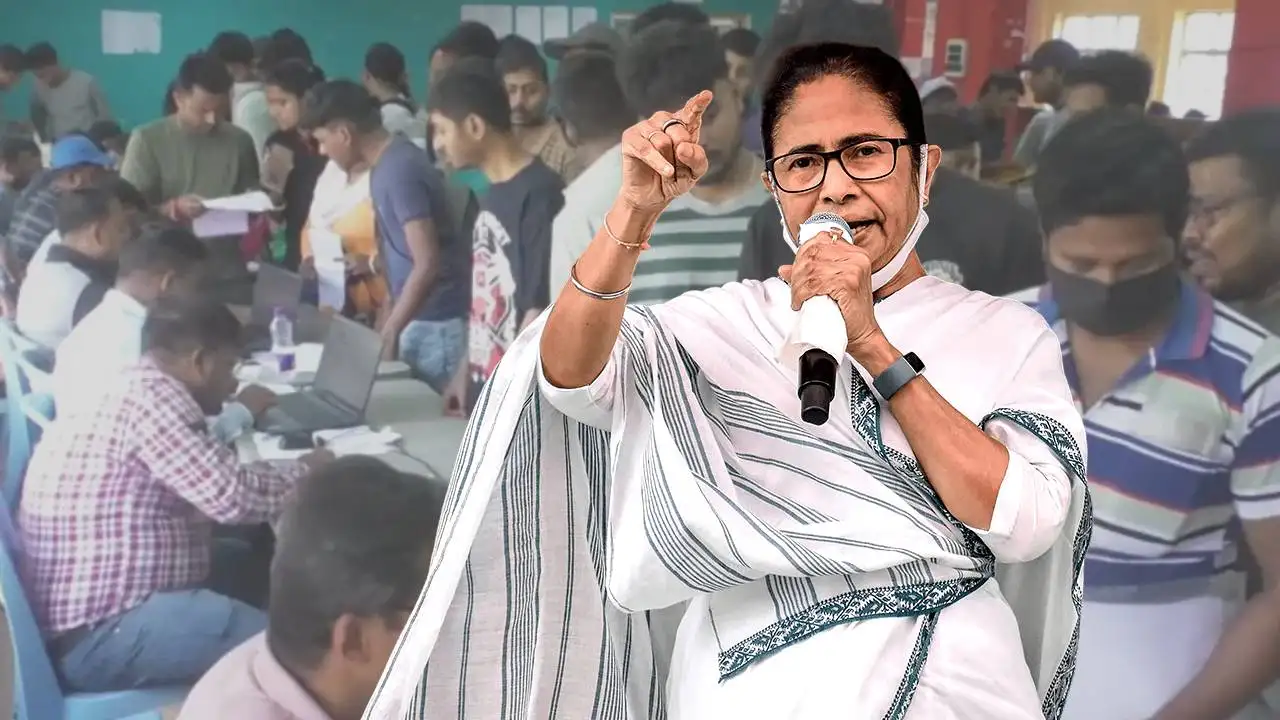
Struggling with Yuvasathi document upload errors? Learn how to resize, format, and submit your files correctly to complete your application smoothly and without stress.
The Yuvasathi Scheme of the West Bengal government has attracted massive attention from young applicants across the state. Thousands of students and job seekers are actively registering on the official portal. However, many face repeated failures during document uploads. The main reason is simple: incorrect file size and format.
Moreover, most applicants are unaware of the technical requirements set by the portal. As a result, they waste time uploading the same files again and again. Therefore, understanding the right method beforehand can save both effort and frustration.
Essential Document Preparation and Self-Attestation Process
Before uploading any document, proper preparation is extremely important. However, many applicants directly upload original documents, which often leads to rejection. Therefore, you must follow the correct process carefully.
Also Read: 8th Pay Commission 2026: ₹18,000 Salary May Rise to ₹30,000 – Govt Seeks Public Suggestions
First, take a clear photocopy of your original documents, such as your Aadhaar card, marksheet, or bank passbook. Make sure the text and photo are clearly visible. Additionally, avoid using faded or unclear copies.
Next, sign your signature at the bottom of the photocopy. This process is known as self-attestation. Moreover, you may write “Self Attested” above your signature if you wish, although it is not mandatory.
After that, scan the signed page or click a clear photo using your mobile phone. However, remember that the file must be saved in PDF format and should not exceed 300 KB in size.
Meanwhile, always check the clarity of the document before saving it. Blurred or cropped images may cause your application to be rejected.
Yuvasathi Scheme Required Documents and Size Guidelines
The Yuvasathi portal requires specific documents for verification. Therefore, keeping them ready in the correct format is essential. Additionally, following the size rules ensures faster approval.
| Feature | Details |
|---|---|
| Academic Documents | Madhyamik Admit Card and Marksheet (PDF, under 300 KB) |
| Identity Proof | Aadhaar Card and Voter ID (PDF, under 300 KB) |
| Bank Details | Bank Passbook (PDF, under 300 KB) |
| Caste Certificate | PDF Format, Maximum 300 KB |
| Photograph | JPG Format, Below 50 KB |
| Signature | JPG Format, Below 50 KB |
Therefore, keeping these specifications in mind can help you avoid unnecessary upload errors.
Also Read: PM Kisan 22nd Installment 2026: ₹2,000 Payment Date, Beneficiary Check & Latest Update
How to Reduce PDF Document Size to 300 KB Easily
If your scanned file is larger than 1 MB, do not worry. Fortunately, you can reduce its size easily using free online tools. Moreover, you do not need any advanced technical skills.
First, open Google and search for a reliable “JPG to PDF Converter” website. Then, upload the photo of your self-attested document. However, make sure the site is secure before using it.
Next, look for the output size or compression option. Set the target size between 270 KB and 280 KB. Additionally, never select exactly 300 KB, as it may cross the limit after processing.
After conversion, download the PDF file. Consequently, the document size will reduce while keeping the text readable and clear.
Moreover, always recheck the file size before uploading. This small step can prevent repeated failures.
Photo and Signature Resizing Rules for Yuvasathi Application
Unlike documents, photographs and signatures cannot be uploaded in PDF format. Instead, they must be in JPG format and under 50 KB in size.
Therefore, you need to use an online image compressor. Upload your passport-size photograph or signature image on white paper. Meanwhile, ensure proper lighting and clarity while taking the photo.
Set the target size to around 40 KB. Then, click on “Compress” and download the resized file. Additionally, these tools usually maintain decent quality, so your image remains recognizable.
However, avoid over-compressing the image, as extremely low quality may cause rejection during verification.
Mobile Users Guide for Smooth Document Upload
Many applicants complete the entire application process using smartphones. While this is convenient, it can sometimes create technical difficulties. Therefore, following a few tips can improve your experience.
First, turn on “Desktop Mode” in your mobile browser. This allows the website to load its full version. Moreover, it gives you access to all upload and compression options.
Additionally, use stable internet while uploading files. Poor connectivity can interrupt uploads and lead to errors. On the other hand, a strong connection ensures faster submission.
Meanwhile, store all prepared files in one folder on your phone. This makes selection easier during the upload process.
Final Tips to Avoid Upload Errors and Application Rejection
Submitting documents in the correct format and size is crucial for successful registration. Therefore, always verify your files before uploading. Moreover, double-check names, dates, and numbers on each document.
Additionally, avoid uploading blurred, cropped, or incomplete files. Such mistakes can delay approval. Consequently, your application process becomes longer than necessary.
In conclusion, if you follow the correct preparation steps, resize files properly, and upload them carefully, you can complete your Yuvasathi application without any trouble. Therefore, invest a little time in document preparation to ensure a smooth and stress-free experience.